ParallelScope is a Windows file browser for folders spread across drives and NAS devices. Register them once, then browse and search them all together — results appear as you type.
Free to use · Windows 10 / 11 · Open source
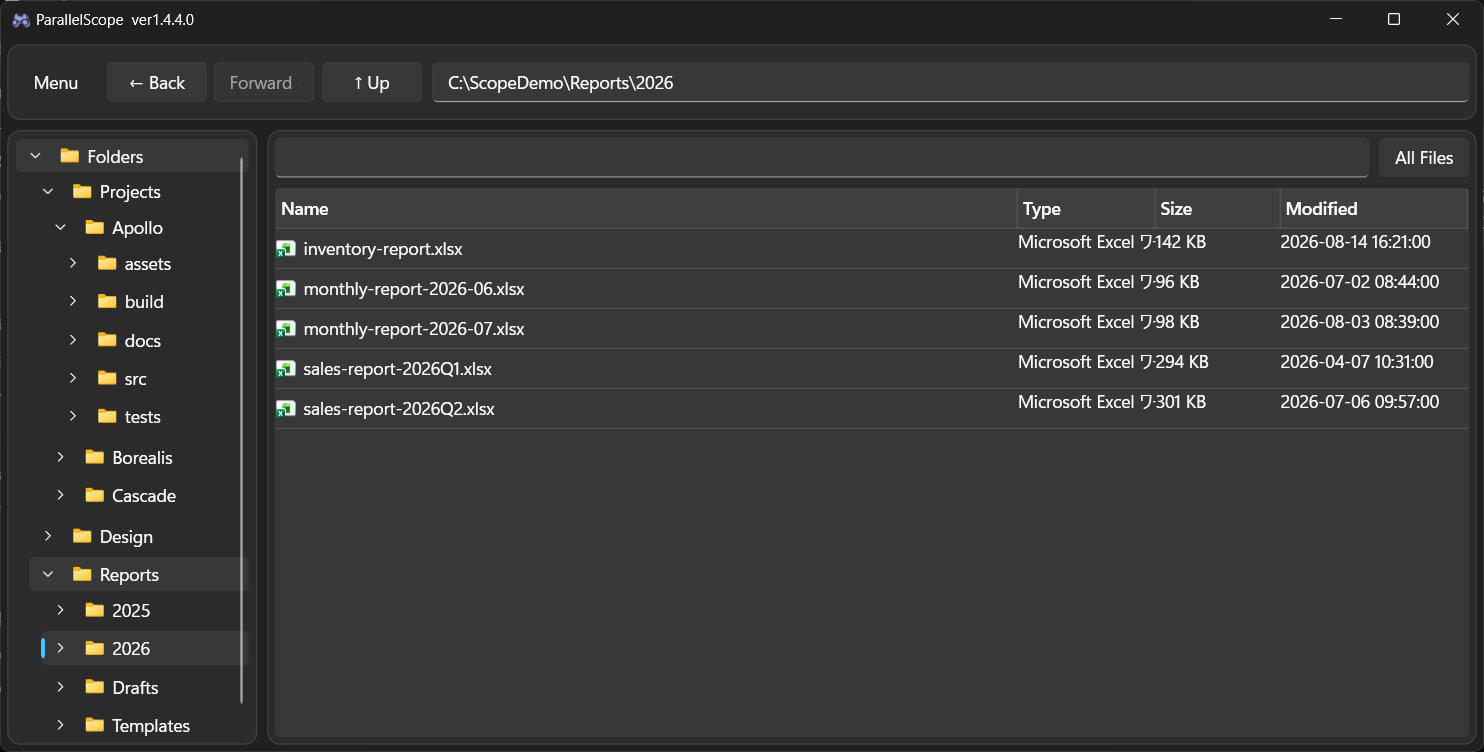
Folders on different drives and NAS devices sit side by side in a single tree.
Search runs against a local cache, so even a NAS answers instantly.
Roots you cannot reach right now can still be browsed and searched from the cache.
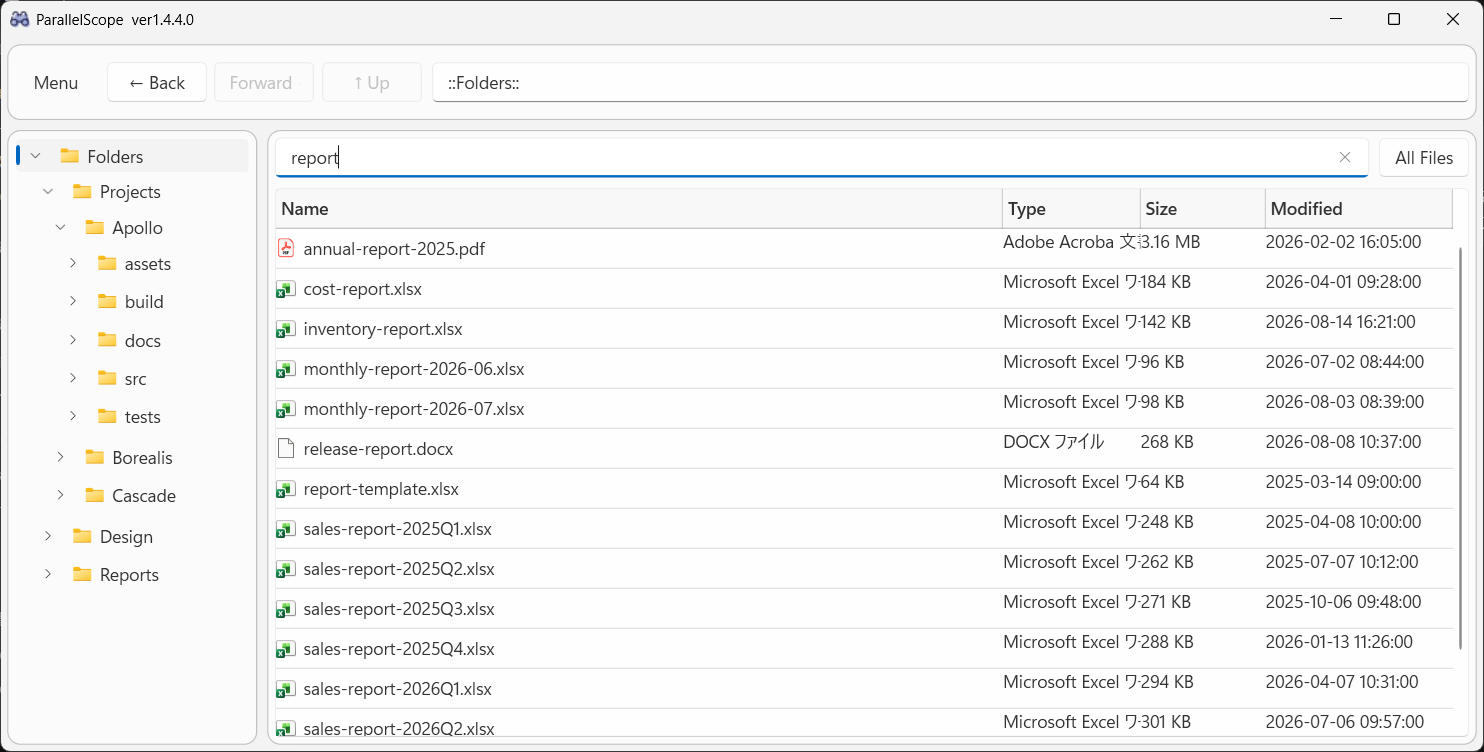
Type in the search box and everything under the current folder is narrowed down on every keystroke — no Enter key, no waiting for a live disk crawl.
Background scans at startup, on a schedule, and whenever you open a folder keep the cache up to date.
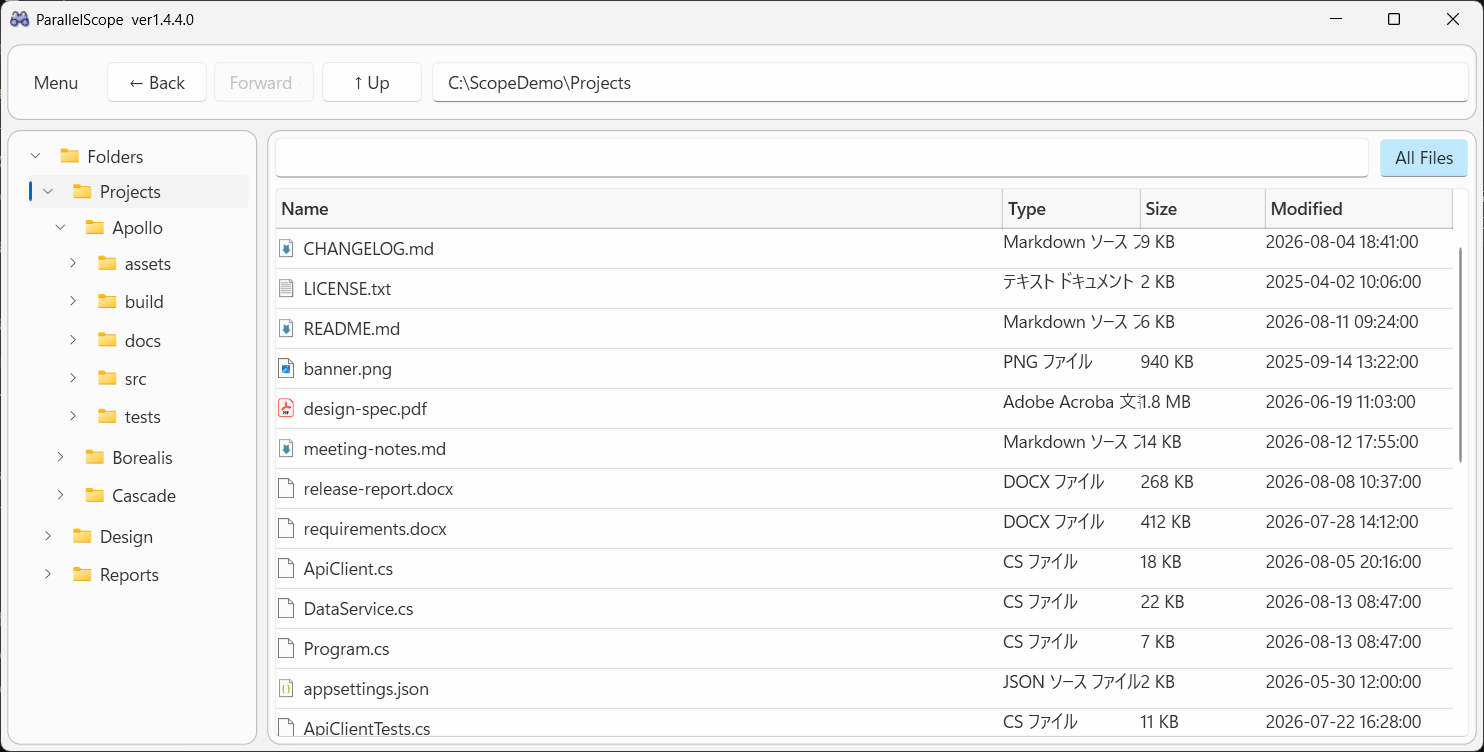
Turn on All Files to flatten every file below the current folder into a single list, however deep it goes. Folder sizes are shown too, so you can see what is eating your space.
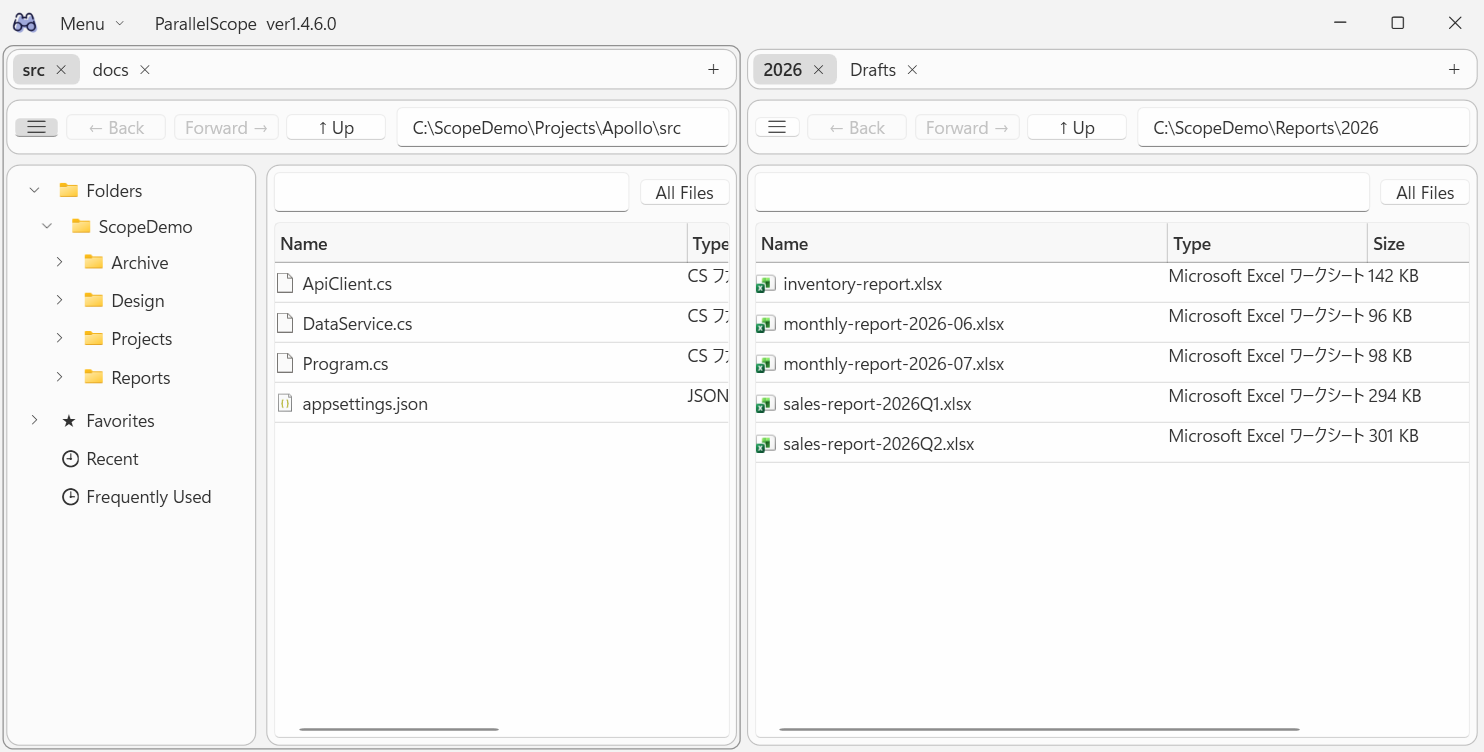
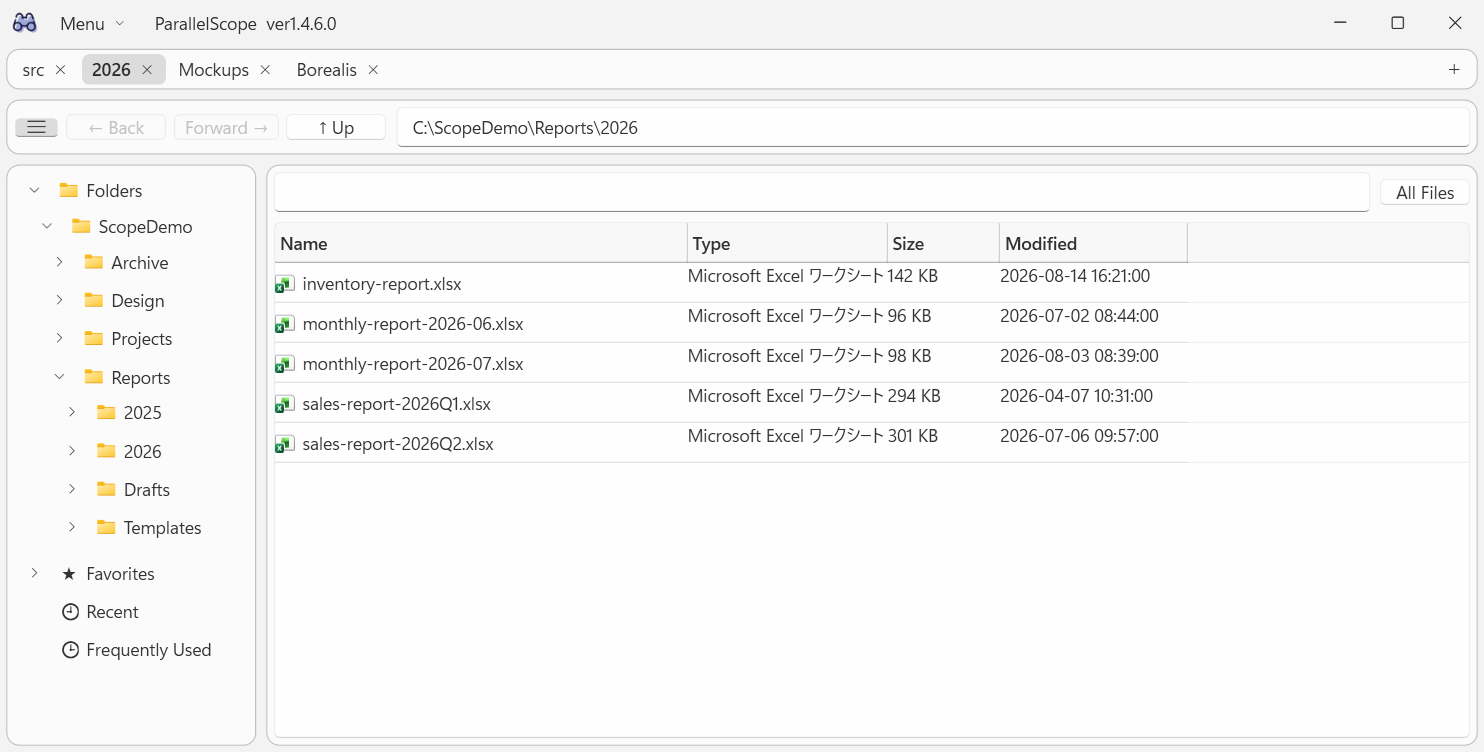
Keep several folders open in tabs, or split the window into two panes to compare folders that live far apart. Drag a tab to the other side to move it. Your layout comes back the next time you start.
Copy a file, its name, or its full path in one click, or open its parent folder in Explorer. Right-click a folder in the tree to rescan just that part.
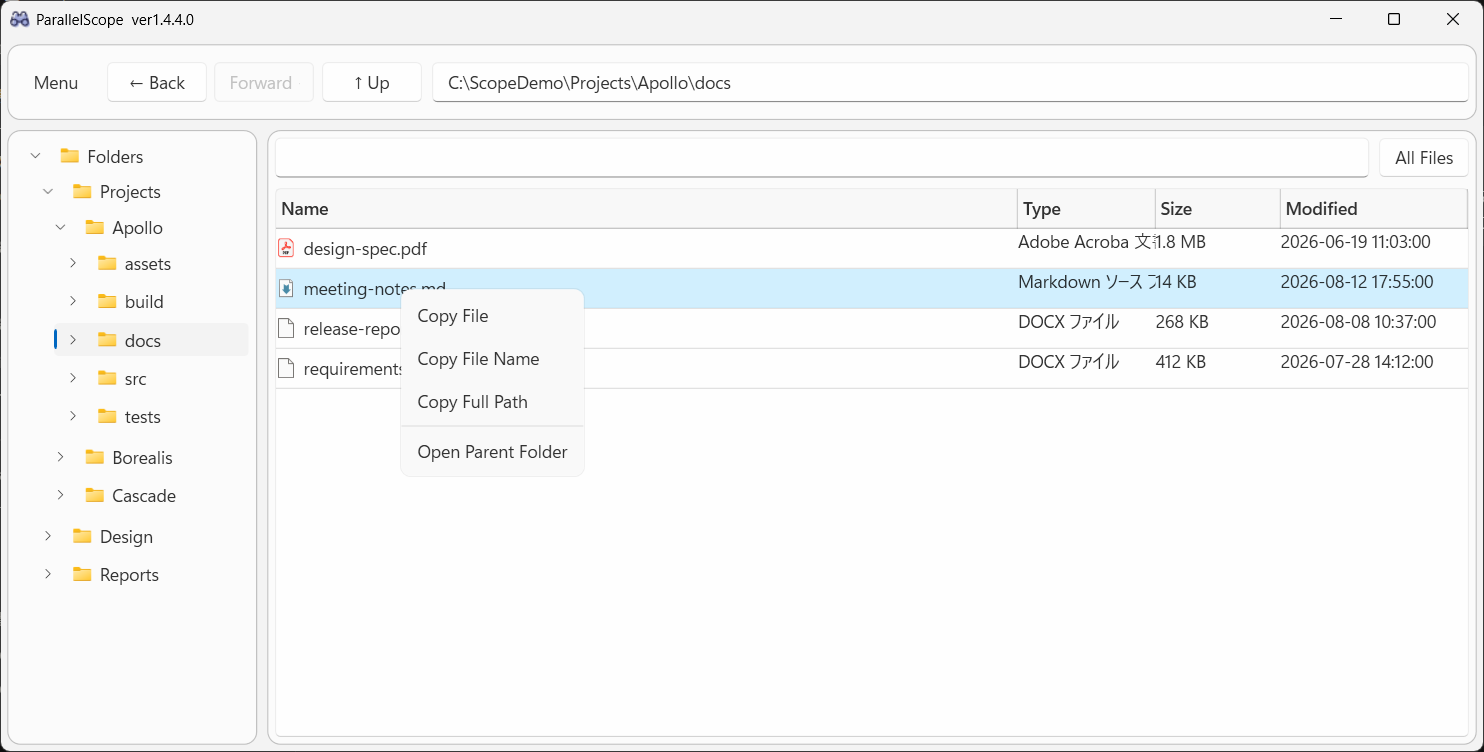
Pick a color theme and a display language; both apply the moment you choose them and follow your Windows settings by default.
Browsing, search, All Files mode and scanning are free. ParallelScope Plus is a Microsoft Store add-on, offered as a monthly subscription or a one-time purchase — both unlock exactly the same features.
Prices are for the Japan Store; the Microsoft Store shows the price for your region.
Everything is processed locally. The cache and settings live in the app's own data folder, nothing is uploaded, and the full source code is public on GitHub.
ParallelScope is built by a single developer. If you find it useful, a donation helps keep development going.
 ParallelScope