Parallel Factory MES User Guide
This is the user manual for Parallel Factory MES, a manufacturing execution system. It explains each screen in turn, covering the whole flow from registering master data through manufacturing orders, recording actuals, inventory, inspection and shipping.
What is Parallel Factory MES?
Parallel Factory MES is a manufacturing execution system (MES) for recording and tracing production in a factory. It runs in a web browser, so you can use it directly from shop-floor PCs and tablets.
- It manages the whole flow from manufacturing order to shipment. Manufacturing order → work orders for each process → actuals → inventory → inspection → shipment judgment → shipment.
- It traces everything by lot. You can follow in both directions which material lots went into which product lots.
- Every record keeps “who and when”. Corrections to actuals and inspections, master data changes, inventory operations and cancellations are recorded in the audit log, which you can view on the Audit Log screen (system administrators only).
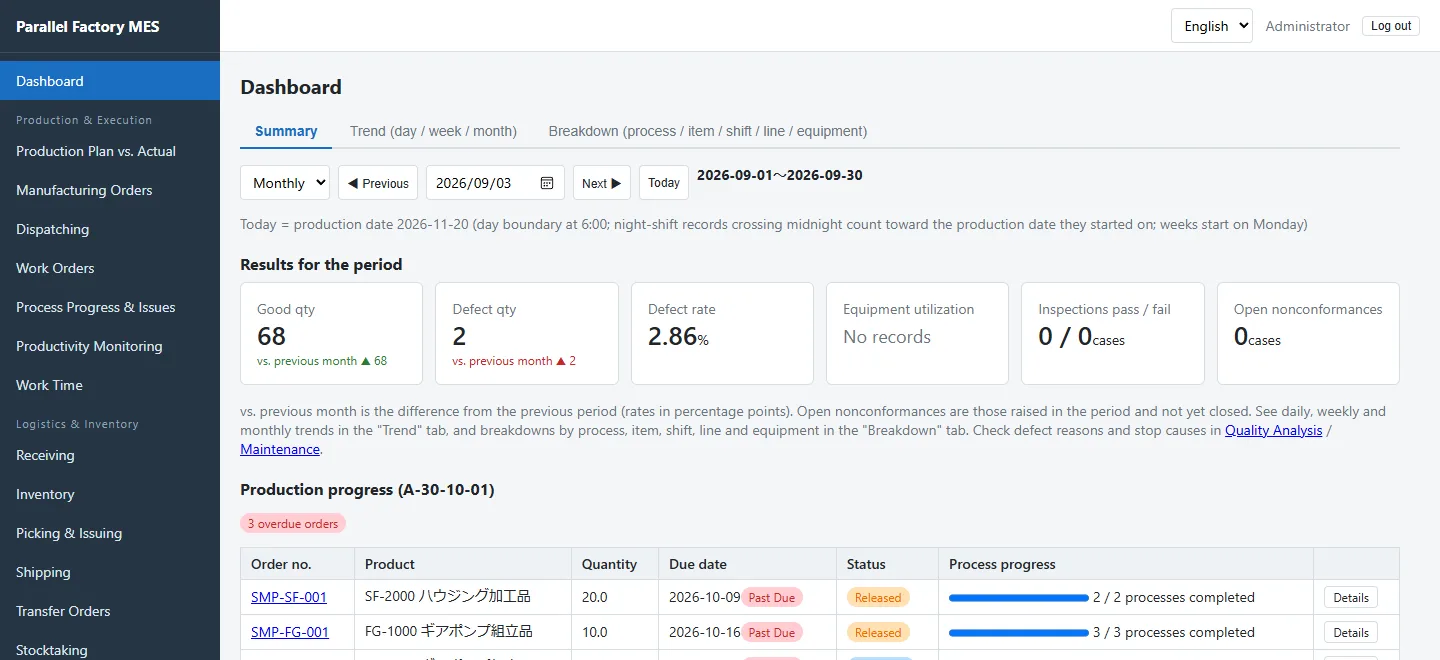
To get a feel for the flow in motion, see Factory model: from production to shipping. It shows, scene by scene across 15 scenes, which MES records change as goods move on the shop floor.
How to use this guide
The overall workflow
Right after installation, things go most smoothly in this order.
| Step | Screen | Typical role | Details |
|---|---|---|---|
| Master data | Master Data | System administrator / Production management | Master data |
| Receiving | Receiving | Logistics / warehouse | Logistics and inventory |
| Production plan and plan vs. actual | Production Plan vs. Actual | Production management | Production management |
| Manufacturing orders, approval and release to processes | Manufacturing Orders | Production management | Production management |
| Dispatching, setup, actuals and completion approval | Dispatching / Work Orders | Production management / Operator | Production execution |
| Inspection and nonconformances | Inspections / Nonconformances | Quality control | Quality control |
| Shipment judgment and tracing | Shipment Judgments / Traceability | Quality assurance | Quality assurance |
| Shipping | Shipping | Logistics / warehouse | Logistics and inventory |
| Equipment and tools | Maintenance / Tool Management | Equipment maintenance | Equipment maintenance and tools |
Sample walkthrough: from production to shipping follows this flow with diagrams and screenshots, using the sample data (manufacturing and shipping 10 gear pumps).
What this version can do
- Production management (receiving production plans and comparing plan with actual, manufacturing orders, release to processes, progress)
- Production execution (dispatching, setups, checklists, actuals, trouble reports)
- Logistics and inventory (receiving, inventory operations, issuing, shipping, stocktaking)
- Quality control (inspection orders, results, judgments, nonconformances)
- Quality assurance (shipment judgments, traceability)
- Equipment maintenance (operation records, maintenance plans, orders and results, procedures) and tool life management
- Report and label printing, barcode / QR code scanning
- A choice of database: SQLite (default), PostgreSQL or SQL Server
- Three ways to install: the Microsoft Store edition (for trying it on one PC), ZIP (Windows / Linux) and Docker (Installation and initial setup)
To look up what a term or status means, see the Reference. If an error stops you from continuing, see Troubleshooting.
Supporting development
Parallel Factory MES is developed by an individual. Donations to keep development going are welcome through GitHub Sponsors and Ko-fi. Donations do not add features or remove limits; every feature remains free to use, as it always has been.